Insurance for operators
Your cover limit decides which jobs you see.
Movesmith doesn't pool insurance across operators — each of you carries your own Goods-in-Transit cover, and the limit on your policy is recorded on your supplier profile. When a Movesmith customer books a move and declares their goods value, we only offer the job to operators whose recorded cover meets that value.
So your recorded cover maps pound for pound to the jobs you'll see: £10,000 cover qualifies up to £10,000 declared value, £15,000 up to £15,000, £20,000 up to £20,000, and so on. Above £50,000 declared value, a move is arranged as a bespoke quote.
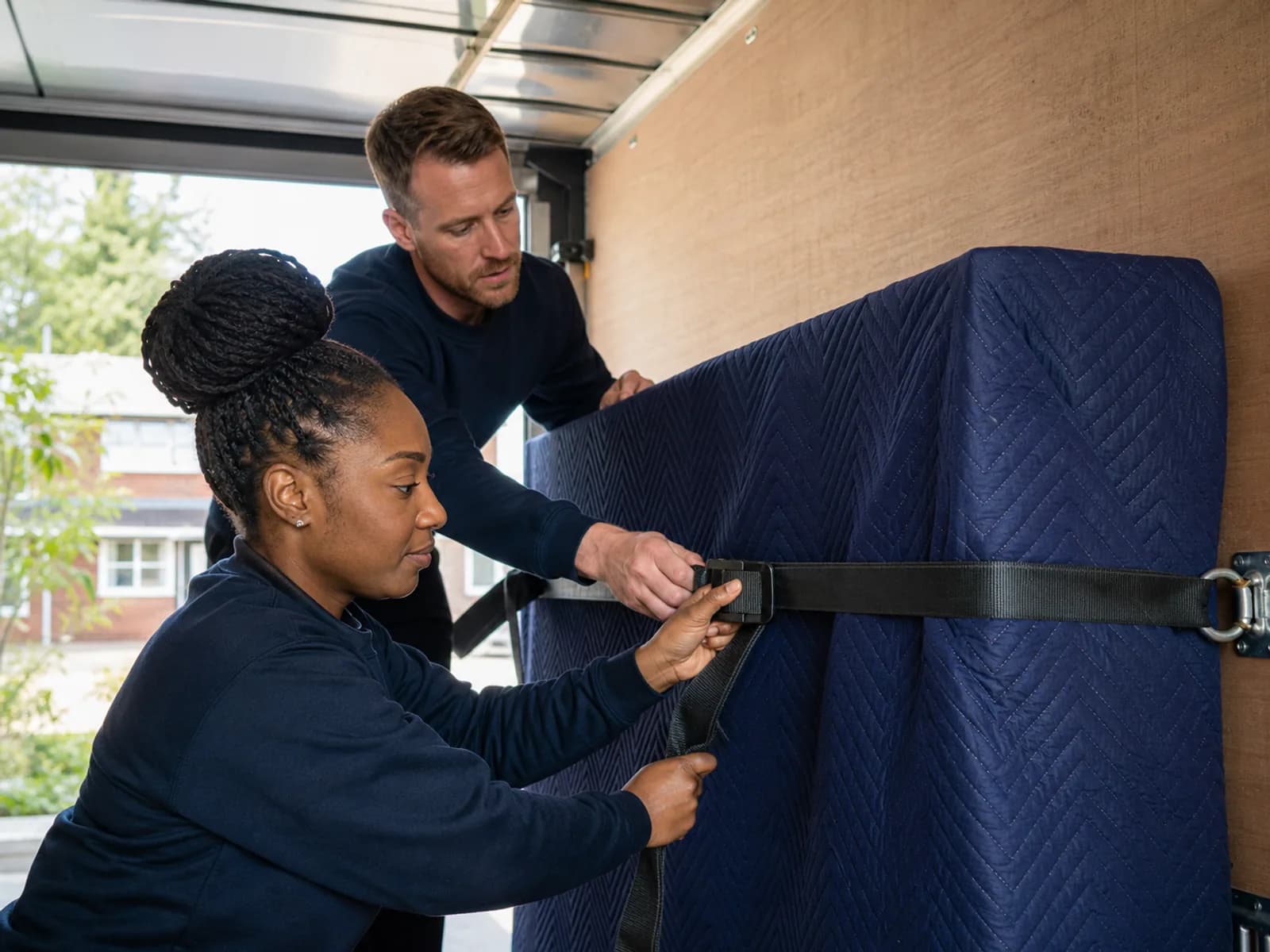
£10,000 cover — entry level
£10,000 Goods in Transit
£10,000 is the entry level. With verified cover at this level you'll see jobs where the customer's declared value is up to £10,000.
Jobs you'll see
Suitable moves with a declared value up to £10,000.
£15,000–£25,000 cover — broader moves
Matched pound for pound
Every verified pound raises your matching ceiling. £15,000 cover qualifies up to £15,000 declared value, £20,000 up to £20,000, and £25,000 up to £25,000.
Jobs you'll see
Moves whose declared value does not exceed your exact verified limit.
Higher-value & bespoke
Matched to the job
Higher declared values need Goods-in-Transit cover that matches the customer's declared value. Moves with a declared value above £50,000 are handled as a bespoke quote, with the right cover confirmed before the move goes ahead.
Jobs you'll see
Higher-value jobs where your recorded cover matches; above £50,000 by bespoke arrangement.
Cover limits are recorded by Movesmith admin or operations once we've verified your policy schedule. Operators can't self-edit their recorded limit — that integrity is what makes the matching rule trustworthy for the customer.
What else we require
Public Liability insurance
Minimum £1,000,000 cover under the current operational rule. Covers third-party injury and damage at the customer's premises. Your insurer or broker must confirm whether your policy is suitable.
Vehicle taxed and MOT'd
Every van used must be road-legal. Movesmith records the declared vehicle type and requires a vehicle-compliance declaration; we do not claim to physically inspect vehicles.
How onboarding handles it
- 1
Apply
Submit your supplier application — you don't need insurance sorted to apply. Submission records your application; acceptance and final job-eligibility approval happen only after the required checks.
- 2
We review your existing policy
If you already have Goods-in-Transit cover, upload the schedule in your supplier verification area. We confirm the cover limit and record it on your account — that's the figure the job board matches against. Human support is available on request.
- 3
Need cover, or want to upgrade? We point you to a specialist
If you don't have a policy in place — or want a higher recorded limit — we can point you to a specialist broker. Quote timing and acceptance are set by the broker and insurer.
- 4
First job offered once cover is in place
We don't dispatch jobs to an operator with no verified Goods-in-Transit cover on file. Insurance is one gate; final Admin approval and all other eligibility checks must also pass before suitable offers can reach you.
What it typically costs
Goods-in-Transit premiums vary widely with vehicle size, claim history, cover limit, and operating area — a London-based 3.5t van solo operator pays different rates than a multi-van outfit running the Home Counties. Stepping up from £10,000 to a higher recorded limit is usually less expensive than operators expect; the brokers we work with quote the levels head-to-head so you can see the trade-off before you decide.
Common questions
- What happens if I bump my cover later?
- Send us the updated schedule and we'll update your recorded limit. From that point you'll see the higher-value jobs you were previously filtered out of.
- Can I claim a job above my recorded limit if I'm willing to take the risk?
- No. The matching rule is a hard rule, not a heuristic — a job above your limit won't appear on your job board, and the claim endpoint will refuse it. The cover limit needs to be lifted on the policy and the new figure recorded before the job is available to you.
- What if my policy lapses or my cover drops?
- Tell us before it happens. We'll update the recorded limit (or set it to nil if you're between policies), and you'll see only jobs that match the new state. We can re-enable dispatch once cover is reinstated and the policy doc is on file.